
Introduction to GAEMI Loci
What is GAEMI Loci?
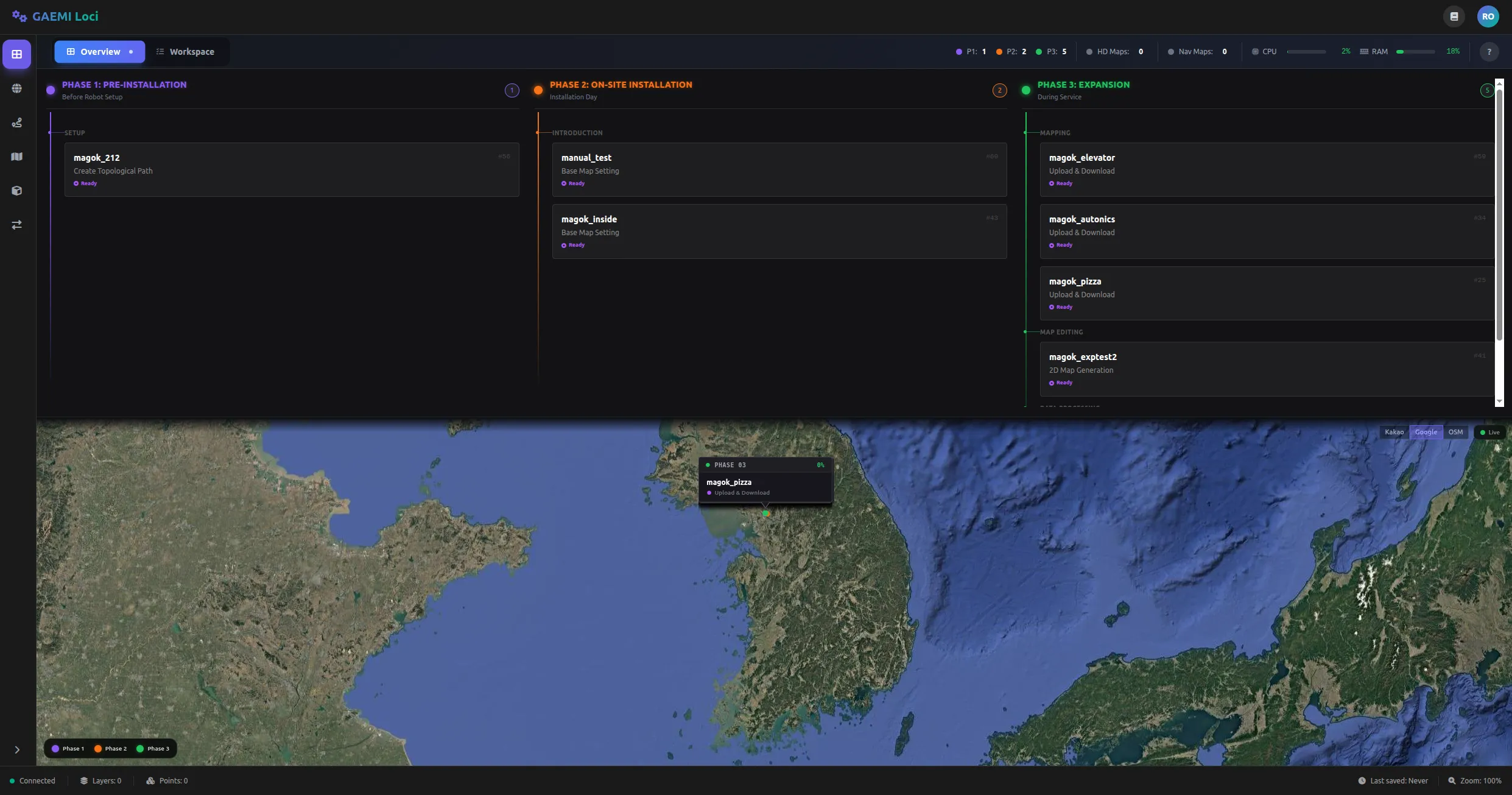
For an autonomous mobile robot to drive safely outdoors, it needs a precise High-Definition (HD) map. GAEMI Loci is a web platform that turns data collected in the field by a robot into an HD map, lets you edit it, and deploys the result back to the robot.
GAEMI Loci organizes HD map generation into three Phases. Each Phase is broken down into individual Steps, and you can monitor current progress from the dashboard.
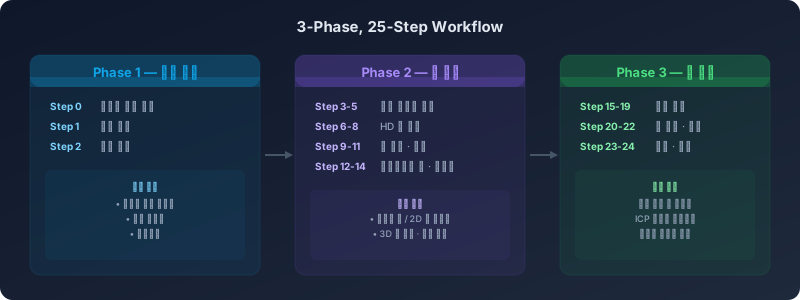
Phase 1 — Preparation
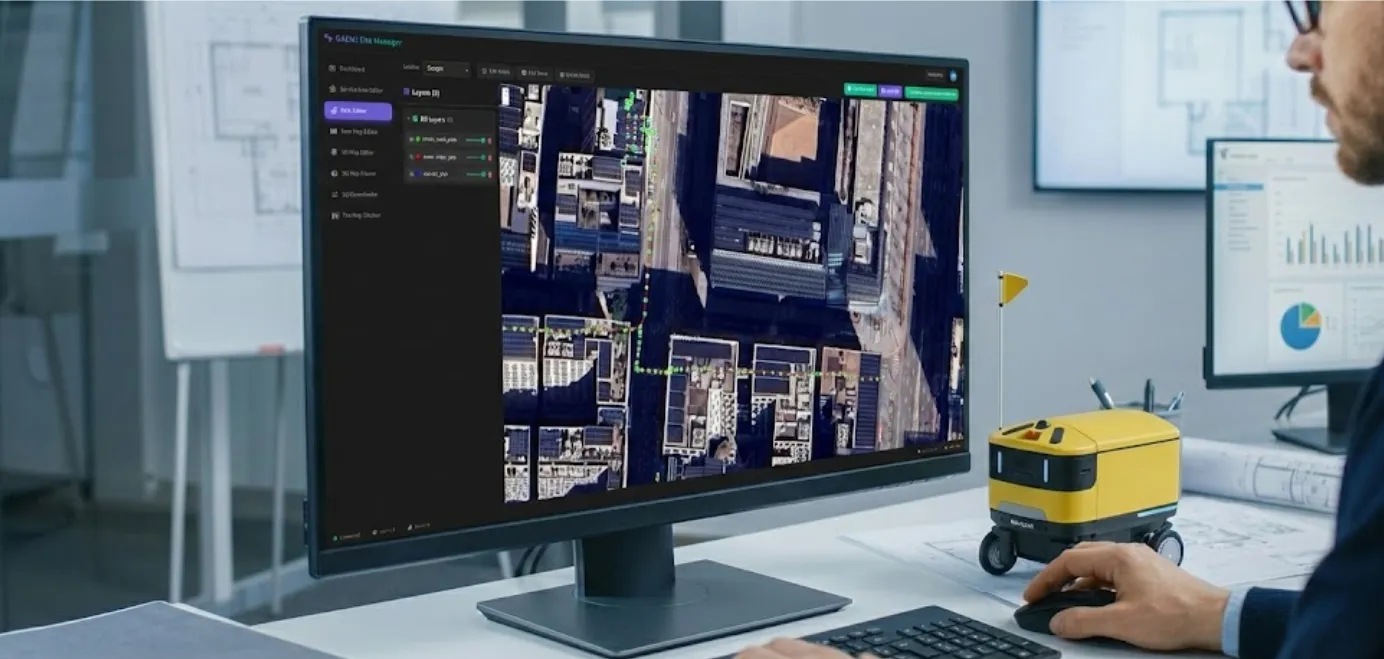
In this stage, you prepare from the office before deploying the robot to the field.
- Define the service area: Mark the region where the robot will operate on a satellite map.
- Author the robot path: Edit the driving path the robot will follow within the service area.
- Review and approve the path: Have a reviewer inspect and approve the authored path.
Phase 2 — On-Site Installation
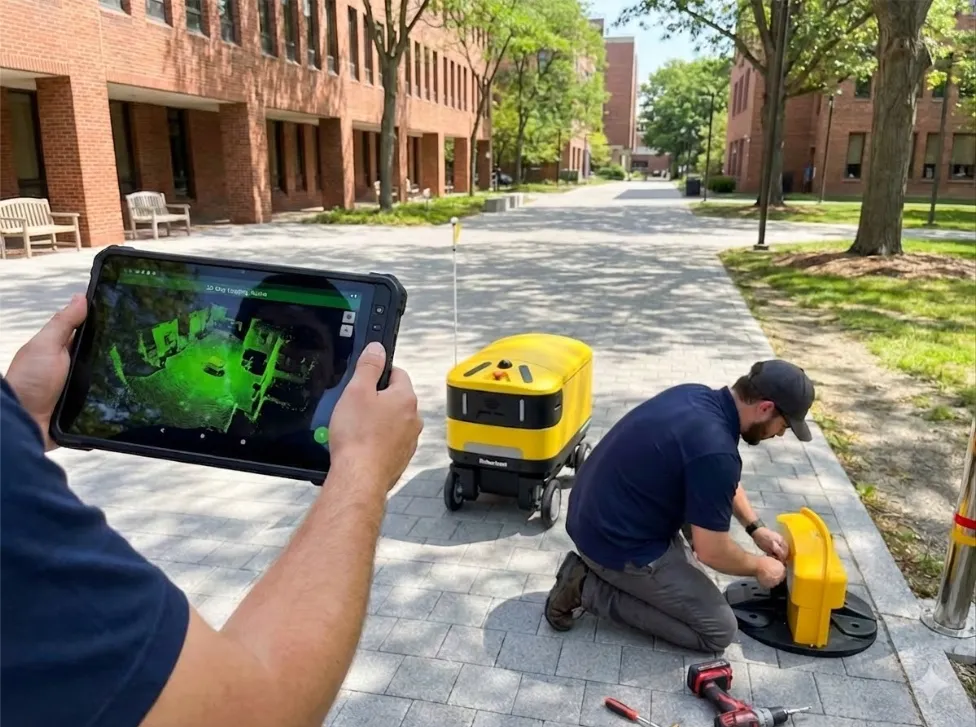
In this stage, you deploy the robot to the field, collect real-world mapping data, and generate the HD map.
- Collect mapping data: Drive the robot around the site to gather data about the surrounding environment.
- Upload data: Upload the collected data to the server.
- Automated HD map generation: The server analyzes the uploaded data and automatically generates an HD map.
- Edit and refine the map: Review the generated map in the web interface and apply any necessary edits or corrections.
- Final upload: Upload the completed map in a format ready for deployment to the robot.
Phase 3 — Area Expansion
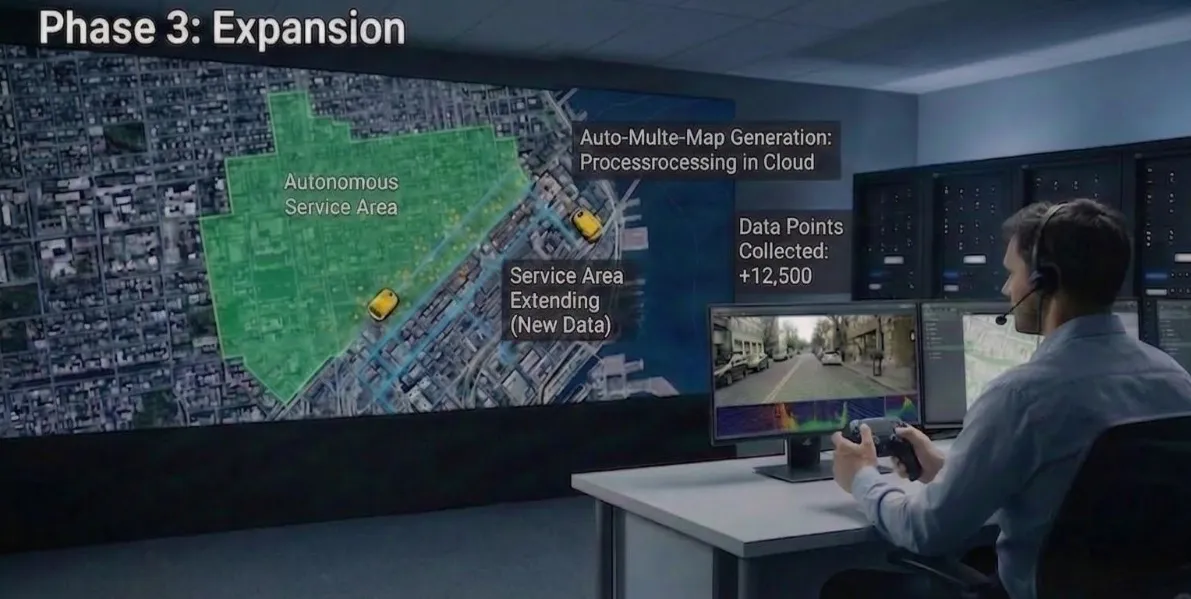
In this stage, you expand the service area or improve an existing map. It can be repeated as needed.
- Map additional areas: Collect additional data from new regions.
- Merge with the existing map: Integrate the newly collected data into the existing HD map.
- Iterative refinement: Continuously improve map quality by adding data session by session.
Map Generation at a Glance
Here is a brief summary of the entire process.
- Collect data in the field — The robot drives around and scans the surrounding environment.
- Automatic upload to the server — The collected data is transferred to the cloud server.
- Automated HD map generation — The server processes the data to produce an HD map. You can monitor progress in real time.
- Edit the map in the browser — Review the generated map in a web browser and perform tasks such as obstacle correction and path refinement.
- Deploy to the robot — Deliver the completed map to the robot for use in autonomous driving.